

This content is for informational and entertainment purposes only, not financial advice. Trading involves risk and is not suitable for all investors. This article may contain affiliate links, which means Pro Trading Insights may earn a commission if you sign up through a link. For full details, see our Affiliate Disclosure and Full Disclaimer.
Quick Verdict: WebTrend is a trading indicator and community brand built around TradingView tools, chart-study content, and a Discord-style support environment. The strongest appeal is that it gives traders a visual way to study trend, momentum, support, resistance, and market context without needing to build every indicator workflow from scratch.
Best fit: WebTrend makes the most sense for traders who want a cleaner chart routine, a set of visual tools to study market movement, and a community where they can ask questions while learning how the indicators fit into an actual trading process. It can be useful for beginners who need visual structure, intermediate traders who want better chart consistency, and advanced traders who want another way to organize technical context.
Best Fit Snapshot
| Fit Area | Why It Matters |
|---|---|
| TradingView users | WebTrend is centered on indicator workflows that fit naturally into a TradingView chart routine. |
| Visual learners | The tools help traders study trend, support, resistance, and market behavior through clearer visual signals. |
| Community-driven traders | The community angle gives members a place to ask questions, compare chart interpretations, and improve faster. |
| Process builders | The biggest value comes from using the tools inside a repeatable routine instead of treating signals as automatic decisions. |
Table of Contents
I. WebTrend Overview
WebTrend is a trading tool and community brand for traders who want visual indicators, tutorial-style education, and a place to discuss charts with other traders. The core idea is simple: give traders better chart context so they can study market movement with more structure.
That matters because most traders do not struggle only because they lack information. They struggle because they have too much information. One chart has candles, moving averages, volume, trendlines, support, resistance, social media opinions, news, and emotion all competing for attention. A tool suite like WebTrend is useful when it helps narrow that attention into a repeatable process.
WebTrend is most relevant for traders who already use TradingView or want to build around it. TradingView is one of the most common platforms for charting because it is flexible, browser-based, and easy to use across stocks, crypto, forex, futures, and indexes. A TradingView-focused indicator workflow can fit into daily preparation without forcing a trader to switch platforms.
For a beginner, the attraction is visual clarity. Instead of trying to understand every candle pattern at once, a newer trader can use indicators to see trend direction, possible reaction zones, and areas where momentum may be shifting. That does not remove risk, but it can make the chart less intimidating.
For an intermediate trader, WebTrend is more about consistency. Many intermediate traders already know how to identify support and resistance, but they still change their process too often. A fixed indicator workflow can help them ask the same questions on every chart: Where is the trend? Where is price reacting? Is momentum supporting the idea? What would invalidate the setup?
For an advanced trader, the value is not that an indicator magically replaces judgment. The value is speed and organization. A clean indicator suite can help a more experienced trader scan more efficiently, compare setups faster, and keep the decision process less cluttered.
If you are comparing WebTrend with other trading rooms and tool-driven communities, the ProTradingInsights guide to the best trading Discord servers can help you compare community structure, education style, and daily workflow. Traders focused mainly on options communities can also review the top options trading Discord servers guide.
II. Indicators, Chart Reading, And TradingView Workflow
A. Why visual indicators can help
Indicators are not a shortcut around learning price action. The best use of indicators is to organize information that is already on the chart. A good indicator workflow can help a trader see trend strength, possible support and resistance, momentum changes, and areas where price may deserve more attention.
WebTrend is appealing because it packages that visual layer with education and community context. That combination matters. A tool without education can become a guessing machine. Education without a practical charting workflow can stay abstract. The better outcome is when a trader uses the tool, studies examples, and learns how to interpret the signals responsibly.
For beginners, terms like support, resistance, trend, and momentum can sound simple but feel difficult in real time. A clear visual framework can help translate those ideas into something easier to practice. The trader still needs to learn what the signals mean, but the chart can become less chaotic.
Intermediate traders may use WebTrend to create a repeatable scan. Instead of opening a chart and reacting emotionally, they can check the same parts of the chart in the same order. That kind of routine is valuable because trading mistakes often come from inconsistency more than lack of knowledge.
B. TradingView setup and chart habits
A TradingView-centered workflow is useful because it can be used across multiple markets. A trader can study a large-cap stock, a crypto chart, a forex pair, or an index future without changing the entire charting environment. That makes practice easier.
WebTrend is best used when members build a simple layout and keep it consistent. One watchlist, one primary timeframe, one confirmation timeframe, and one journal process is more valuable than constantly changing settings. The goal is not to decorate a chart. The goal is to make decisions easier to review.
Newer traders should be careful not to overload the chart. If every tool is turned on at once, the chart becomes another source of noise. A better approach is to learn one indicator concept at a time, study examples, then add complexity only when it improves decision-making.
Advanced traders can use WebTrend as an overlay rather than a complete system. They may already have a process for market structure and risk. In that case, the indicators can help confirm or challenge an idea instead of becoming the only reason to enter a trade.
C. Community support and video content
The community side is important because indicator tools create questions. A trader may see a signal but not know whether the broader context supports it. A support channel, tutorial content, and examples can help turn the tool into a learning process.
Video content can also shorten the learning curve. A trader can watch how a setup is explained, then compare that explanation to their own chart. Over time, that builds pattern recognition. The goal is to learn why a chart matters, not simply memorize a colored signal.
WebTrend is strongest when the member uses the community to ask better questions. Instead of asking whether a trade will work, they can ask what the trend shows, where invalidation would be, what the indicator is confirming, and what would make the setup weaker.
III. How To Use WebTrend As A Trading Routine
The best way to use WebTrend is to turn it into a routine. A trader should decide which market they are studying, which timeframe matters, what the indicator is meant to show, and what must happen before a setup becomes worth attention.
A practical routine starts before the market gets exciting. Build a watchlist, mark major levels, check the trend, then use the WebTrend indicators to refine context. This keeps the tool from becoming a reaction button.
For a beginner, the first week should be observation-heavy. Study how the indicator behaves around trends, pullbacks, reversals, and sideways price action. Take screenshots. Write notes. Do not rush to turn every signal into a live trade.
For an intermediate trader, the routine should include confirmation rules. A signal may be interesting, but the trader should still define risk, invalidation, market context, and whether the setup fits their plan. The more specific the rule, the easier the trade is to review later.
Advanced traders can use WebTrend to improve scanning. They can compare several charts, identify which ones have the cleanest structure, and avoid wasting time on messy setups. That is valuable because selectivity is often a major difference between disciplined trading and overtrading.
Journaling is essential. Every time a trader sees an indicator-based setup, they should record the chart, the market context, the reason it mattered, and the outcome. A journal turns the tool into evidence. Without a journal, the trader may only remember the best examples and forget the unclear ones.
Risk management should stay separate from the indicator. An indicator can help identify a possible idea, but position size, stop placement, and trade management still belong to the trader. That separation keeps the process realistic.
A good WebTrend routine also includes review days. Instead of only looking for the next setup, members should review past charts and ask whether the tool helped them see the market more clearly. If it did, keep the rule. If it did not, simplify.
The biggest mistake would be treating WebTrend as a promise. The better approach is to treat it as a visual decision-support system. It can help you organize charts, but it cannot remove uncertainty from trading.
IV. What Reviews Highlight
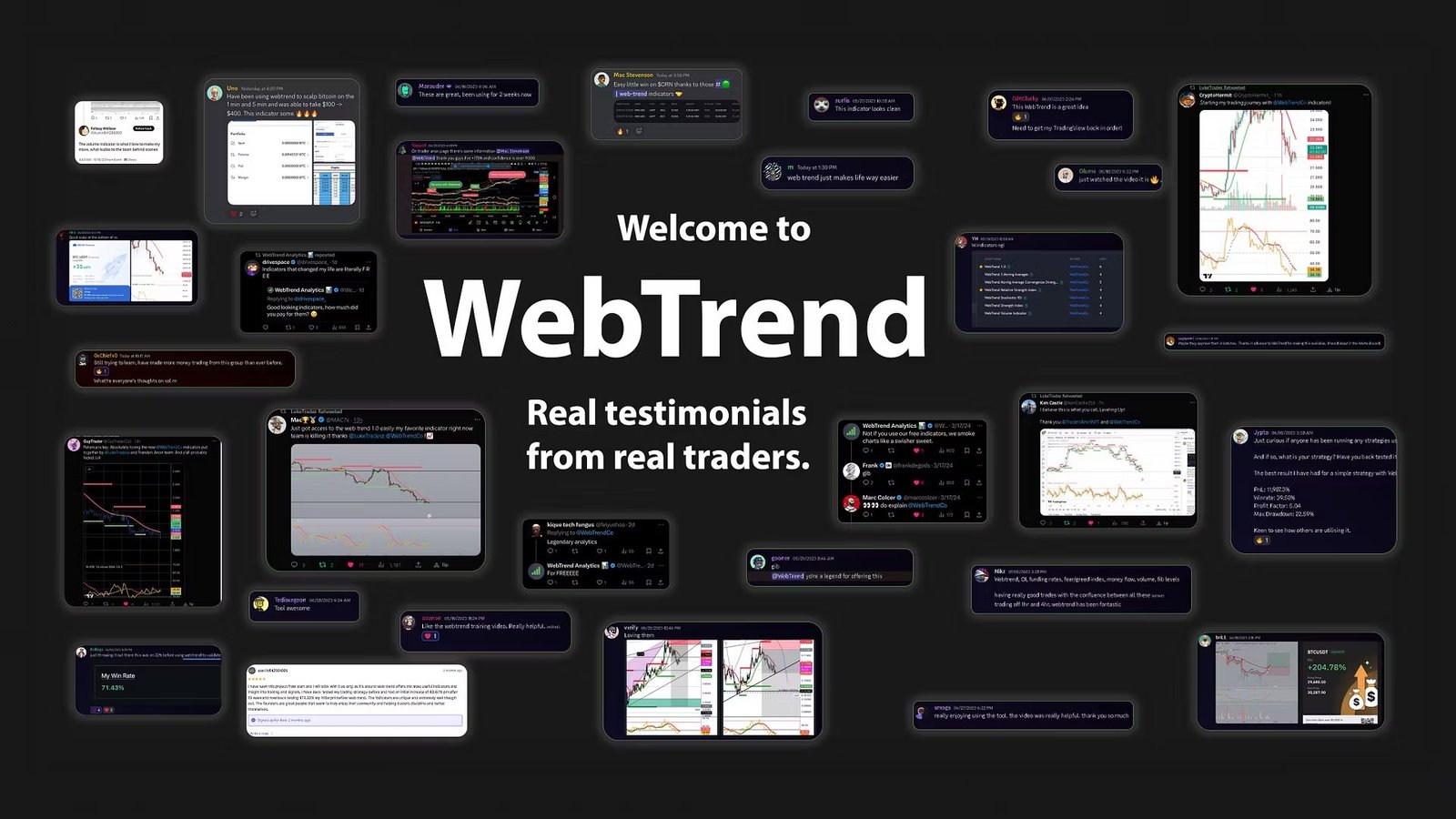
Review themes around WebTrend generally point toward the same few strengths: visual chart clarity, helpful indicators, a supportive community, live or direct access to people who understand the tools, and a stronger learning experience than trying to build everything alone.
The most useful review theme is that members value how the indicators help them study charts. That is the right thing to look for. A trading tool should not only look impressive; it should make the chart easier to interpret.
Another positive theme is support. When a trader is new to an indicator suite, questions are normal. A responsive community can help reduce confusion and keep members from abandoning the process too early.
| Review theme | What it suggests for traders |
|---|---|
| Clearer chart visuals | Members appear to value tools that make trend and market context easier to study. |
| Community support | The group can help traders ask questions and learn how the tools fit into a real routine. |
| Educational content | Tutorials and examples can help members move from signal-watching to actual interpretation. |
| Beginner-friendly structure | Visual tools can make technical analysis more approachable for traders who are still building fundamentals. |
Reviews should not be treated as proof of future results. The better takeaway is that WebTrend seems to resonate with traders who want clearer chart structure and a more supported way to learn technical analysis.
V. Who WebTrend Fits Best
WebTrend fits traders who want a visual technical-analysis workflow and are willing to study the tools instead of blindly reacting to them. It is especially relevant for traders who use TradingView and want indicators that can help organize trend, momentum, and reaction-zone context.
Beginners can benefit if they use WebTrend as a learning aid. The tools can help them see chart behavior more clearly, but they still need to learn risk, trade planning, and the difference between a signal and a setup.
Intermediate traders can benefit if they want a consistent chart checklist. They may already know technical analysis, but WebTrend can help them standardize how they evaluate charts across sessions.
Advanced traders may find value if they want another visual layer for scanning or confirmation. They should not need WebTrend to replace their process, but they may use it to make that process cleaner.
WebTrend is less ideal for someone who wants guaranteed trade alerts or a passive trading solution. The tools are most useful when paired with active study, a defined watchlist, and disciplined risk control.
The strongest fit is a trader who wants chart clarity and is willing to practice. If a member uses WebTrend to build a better routine, review examples, and ask sharper questions, the community and indicator suite can become a practical part of their trading development.
Final Take
WebTrend is worth considering if you want TradingView indicators, tutorial-style support, and a community-driven environment for learning chart context. Its strongest value is not that it removes risk, but that it can help traders study trend, momentum, and market structure with more organization.
If you are researching WebTrend reviews because you want clearer charts and a more structured way to learn technical analysis, WebTrend is a strong fit to compare. Use it as a decision-support workflow, keep risk management central, and judge progress by whether your chart reading becomes more consistent.
Frequently Asked Questions
What is WebTrend?
WebTrend is a trading indicator and community brand focused on TradingView tools, chart education, and visual technical-analysis workflows.
Who is WebTrend best for?
WebTrend is best for traders who want visual chart tools, a cleaner TradingView routine, educational support, and a community where they can study market context.
Is WebTrend beginner-friendly?
WebTrend can be beginner-friendly if new traders use the indicators as learning tools, study examples, and keep risk management separate from signal interpretation.
Does WebTrend guarantee trading results?
No. WebTrend can support chart study and decision-making, but trading involves risk and no indicator or community can guarantee outcomes.
How should members use WebTrend?
Members should build a consistent chart routine, study the indicators, journal examples, ask process-based questions, and use the tools alongside strict risk management.
